- How does bookmarking work on joggoon?
-
joggoon provides a simple, three step method to bookmarking. Because each
'page' in a book on joggoon is an entire chapter,
bookmarks are attached to a paragraph within a chapter. Once set, the paragraph itself is marked
and all of your bookmarks are listed on the joggoon homepage.
-
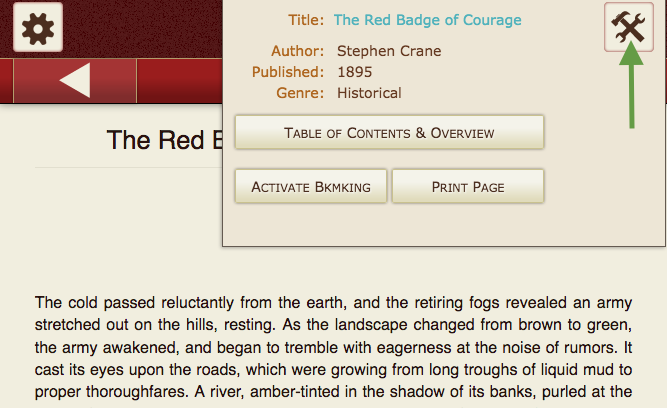
Step One: Click/Tap on the 'Metadata/Tools' button
-
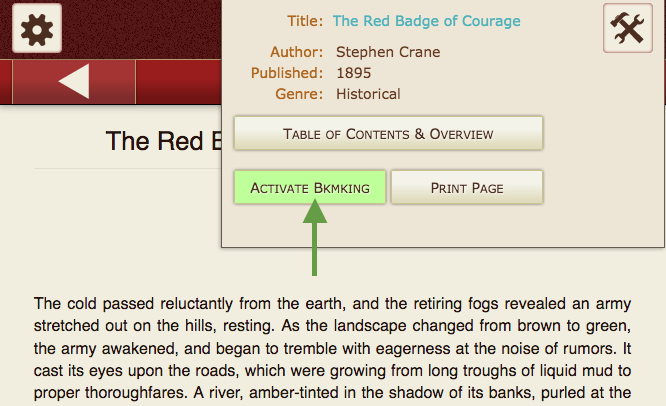
Step Two: Click/Tap on the 'Activate Bkmking' button
-
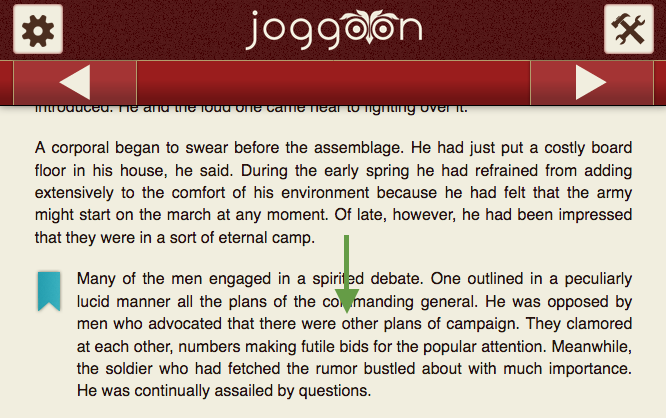
Step Three: Click/Tap on the desired paragraph
That's it! Your bookmark will now show up on the joggoon homepage. You may set
as many bookmarks as you wish. The list on the homepage provides you the means
to manage (delete) your bookmarks as well.
In addition, you can access your bookmarks by clicking the bookmark  icon in
the main navigation bar.
icon in
the main navigation bar.
- What browsers or devices should be used to enjoy joggoon?
-
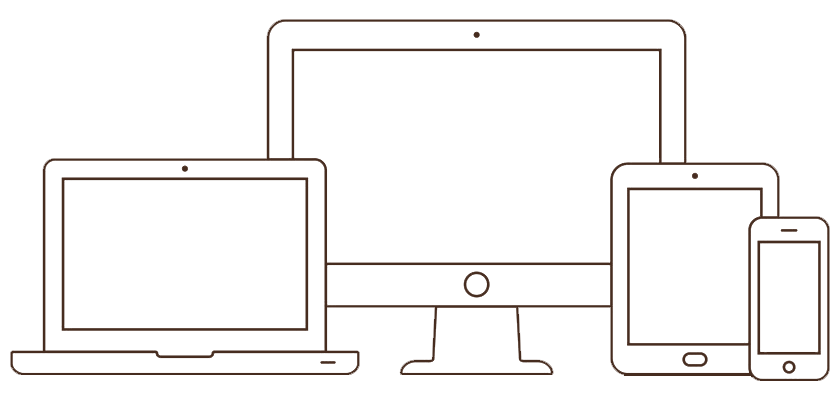
joggoon has been built as a "responsive" website. You may use any modern browser and any device e.g. a desktop monitor, laptop,
tablet or phone to view any page or read any book on joggoon. While we might suggest using a tablet such as an ipad for the
best experience (due to the size of a tablet - not too large, not too small), joggoon has been optimized for viewing on any
size device.
- What are joggoon reader preferences and how are they saved?
-
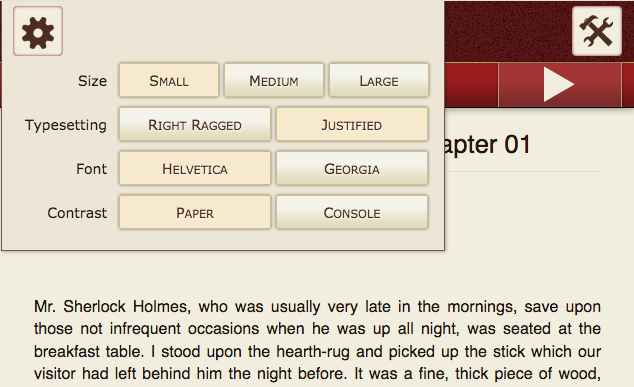
The user preferences within the reader are fairly straight forward. We invite you to simply play around with them. How about
using this book to give them a trial run? The preferences set or changed for any particular book will be applied to
all subsequent books you read on joggoon.
As stated in our cookie policy, we store the preferences you set (including your bookmarks) in cookies on your
machine. As long as you use the same device each time you return to reading a book on joggoon, and you do not delete joggoon cookies, your
preferences will be preseserved.
- What happened to my bookmarks and the reader preferences I set?
-
If you no longer see your bookmarks or the preferences you set in the joggoon reader, most likely one of two things
happened.
One possibility is that you are using a different device than the one where you set bookmarks or preferences. This is because
we do not store this information in a database but use cookies, which are particular to the device/browser when they are
set.
Another possibility is that the cookies were deleted for that browser. See our Privacy Policy page for
more information regarding how joggoon uses cookies and how you can manage cookies in various browsers.
- Can I print books on joggoon?
-
All of the content in joggoon's library is in the public domain. joggoon holds no copyright priveledges over the books posted
here.
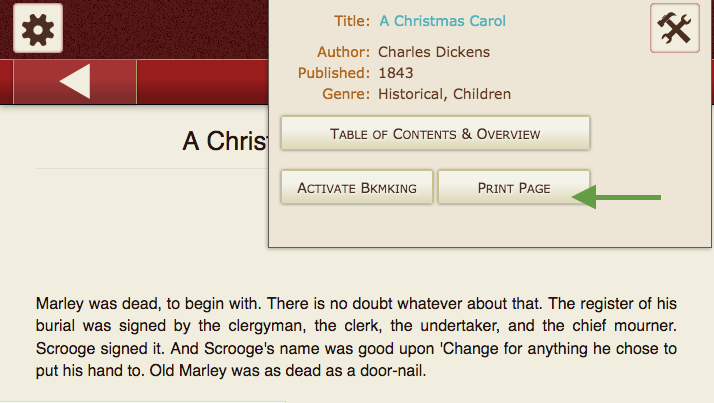
You can print the chapter of a book using the print button in the tools panel:
We format the page for optimal printing. You can further optimize how your print out will look using your browser's
print settings.